Academic Quality Assurance | Student Wellbeing & Support | Study Abroad – UK
Library and IT Services for Students at the University of Exeter

2 minutes of reading time
This guide explains the library and IT services available to studen...
Summary
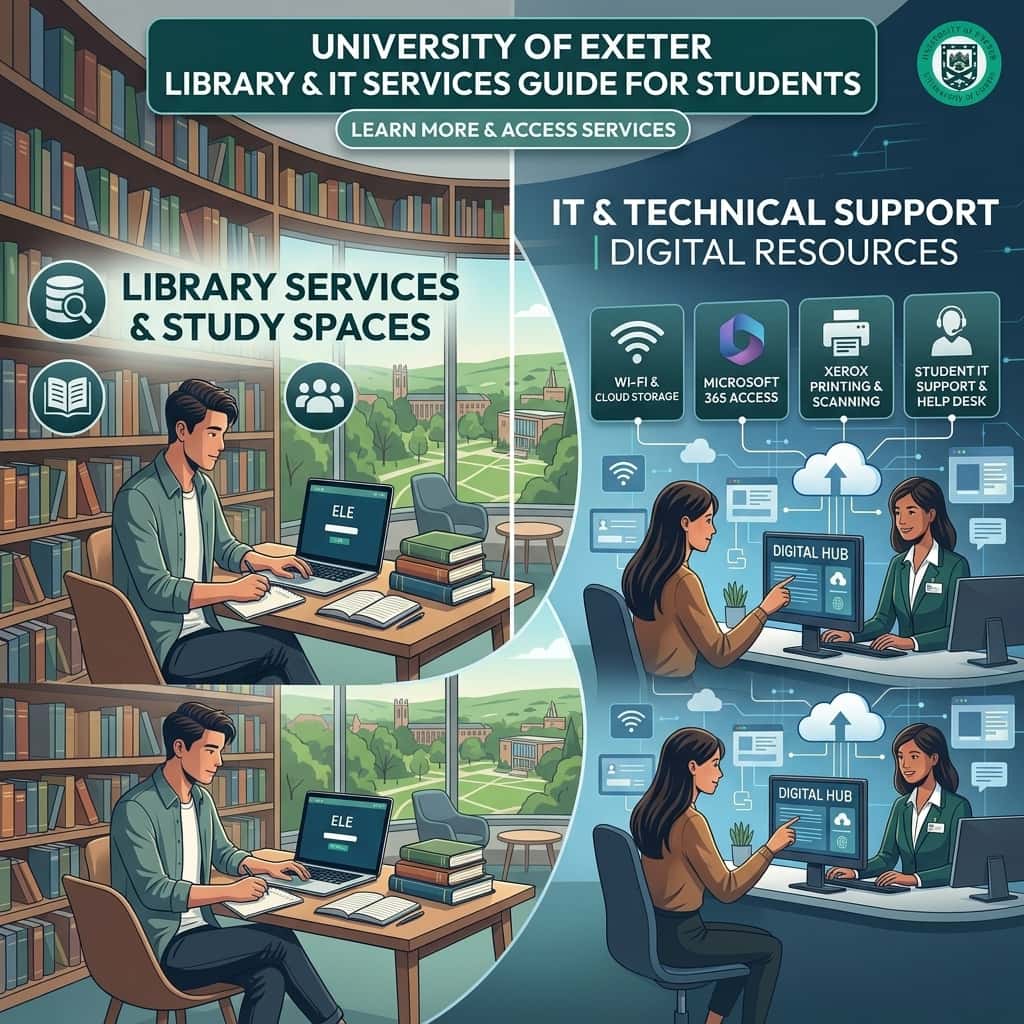
This guide explains the library and IT services available to students, including study spaces, academic resources, computers, Wi-Fi, printing, digital platforms, and technical support.
Apply for a UK Scholarship with Expert Guidance:Contact Us Today
Starting university means using more than just lecture rooms and classrooms. Students need reliable places to study, access academic resources, use computers, and manage their digital work.
The Library and IT Services for Students at the University of Exeter support these everyday academic needs. Students can use physical and digital library collections, study spaces, online academic resources, university computers, Wi-Fi, printing facilities and technical support.
University of Exeter Library Services

The University of Exeter Library supports students with resources for learning, assignments, research and wider academic development. The library provides access to both print and digital collections, allowing students to search for books, journals, articles and other academic materials.
Library Search is designed to search the print and digital collections available through the University's libraries. Students can narrow results using filters such as campus, library, collection, author, year and resource type.
This is useful when you need to find a particular textbook, journal article or research source rather than searching randomly online.
Students can also access their library account through the University's Single Sign-On system. This allows them to use online resources, make requests and manage their library account.
Library locations and campus access
Library facilities are available across the University's campuses. Students based in Exeter can use the libraries associated with Streatham and St Luke's, while students studying in Cornwall have access to the Penryn Campus Library.
The University also provides information about study spaces and bookable rooms through its Library services and student platforms. Students at Penryn can use the dedicated room-booking information and space checker for available study areas.
Because facilities and access arrangements can change, students should check the University's current library information before planning a study session.
Library Facilities and Study Spaces

Finding a suitable place to study can make a major difference when preparing assignments or revising for assessments.
The University provides different types of study spaces across its campuses. At Streatham, for example, the library has more than 600 drop-in study spaces across three floors, with additional study spaces available in the Forum outside the library.
St Luke's Library has also been updated to provide more study space. The University reports that the renovation more than doubled the number of study spaces, with more than 90% of those spaces having power access.
Students can check available study spaces and bookable rooms through the University's library information. The MyExeter App can also be used to view study spaces on campus.
When choosing a study space, consider the type of work you need to complete. A quiet area may be more suitable for reading and writing, while a bookable room may be useful for group work when available.
Books, Journals and Digital Resources
The library is not limited to physical books. Students can use a combination of books, e-books, journals, databases and other online resources to support their studies.
The University provides access to a wide range of e-journals, databases, e-books and online newspapers through its A-Z database list.
Library Search can also help students locate physical and digital resources. If a resource is not available through the normal search system, students may be able to request it through the University's document delivery or inter-library loan services, depending on their campus and eligibility.
This can be particularly useful for dissertation research or assignments that require sources beyond the core reading list.
Use subject-specific library support
Students do not have to work out every research question alone. The University provides subject guides with resources selected for particular academic areas.
Liaison Librarians can also help students find suitable information sources, use subject-specific databases and evaluate information for assignments, dissertations and research projects. One-to-one appointments are available online or in person.
The Library also provides study skills support covering areas such as academic writing, critical analysis, referencing, revision, note-making and using feedback.
Practical tip: Before starting a major assignment, check your subject guide and Library Search first. This can save time and help you build a stronger source list.
IT Facilities for Students
Digital tools are an important part of studying at Exeter. Registered students receive a University IT account that provides access to services including university email, file space, the MyExeter App and other University resources.
New students are prompted to activate their IT account as part of the University's preparation process. The account activation process also includes setting up multi-factor authentication.
The University also provides access to Microsoft 365 Office applications through Office.com. This includes commonly used applications such as Word, Excel and Outlook.
For students, these tools can support everyday tasks such as writing assignments, managing documents, communicating through university email and organising academic work.
Exeter Learning Environment
Students also use the Exeter Learning Environment, or ELE, for online learning materials.
ELE provides access to resources such as readings, lecture recordings, online activities and other tools used as part of courses. The University also provides a Student ELE Guidance Course to help students understand how to use the platform.
If a student has an ELE login problem, the University advises contacting the IT Service Desk.
Computers, Wi-Fi and Printing
Students may need access to university computers, internet services and printing facilities, particularly when working on campus.
The University advises students to have access to a computer and internet connection for study. It also provides information about IT facilities and Wi-Fi for Exeter and Penryn students.
For students who need to print, copy or scan documents, Xerox printers are available in the Exeter campus libraries. The University's library information states that colour printers are available on every floor of the Forum Library and on level 0 at St Luke's and the Old Library.
Students can send print jobs from their own device through the University's web printing service or Papercut app. Print jobs can also be sent from networked University PCs using the appropriate student printing queue.
Before printing large documents, check the current printing arrangements and account balance through the University's guidance.
Useful resource: Microsoft provides guidance on using OneDrive for work or school, including storing, accessing and sharing files across devices. This can be useful for students who regularly work with cloud-based documents.
Microsoft OneDrive student and work-school guidance
IT and Technical Support
Technical problems can become stressful when they happen close to an assignment deadline. Exeter provides several ways for students to get help with digital services.
The Digital Hubs at the Streatham and St Luke's campuses can answer questions about digital tools and provide support through online or in-person services. The University also provides access to Tech Experts, group training and video-call support.
At Penryn, the Digital Hub is a first point of contact for digital issues, including help with registering for an IT account. Students can also receive guidance about contacting IT Support when necessary.
For wider student enquiries, SID Online provides a searchable help service and allows students to submit enquiries when they cannot find the information they need.
Students should use the correct support route rather than waiting until a technical problem becomes urgent.
Using Library and IT Services Effectively
Getting access to these services is only the first step. Students can make better use of them by building a simple study routine.
Start with Library Search: Search for books, journals and articles before relying on general search engines.
Use your subject guide: Subject-specific guides can point you towards useful databases and academic resources.
Save your work securely: Use your University-approved cloud storage and keep important academic files organised.
Check digital access early: Test your IT account, university email and learning platforms before an important deadline.
Use study spaces strategically: Choose a space based on the type of work you need to complete.
Ask for help: Library staff, Liaison Librarians, Study Skills advisers and Digital Hub staff can provide guidance when you are unsure where to start.
Plan printing: If you need printed coursework or documents, check the printing service before the deadline rather than leaving it until the last minute.
For international students, these services can also make the transition to a new academic environment easier. Learning how to search academic databases, access digital materials and use university systems early can reduce unnecessary stress later in the semester.
For students who want to understand the wider range of facilities available across the university, our guide to Campus Facilities and Student Services at the University of Exeter provides a broader overview.
Support for Bangladeshi Students via SGE
Shabuj Global Education (SGE) supports Bangladeshi students who are planning to study in the UK, including students considering the University of Exeter.
Our support can include:
Course guidance: Help understanding course options and entry requirements.
Application support: Assistance with document preparation and application steps.
Visa and pre-departure guidance: Support with preparing for the UK student visa process and getting ready to travel.
Ongoing guidance: Continued support as students progress through their study journey.
If you are still deciding on your university or course, getting guidance before submitting an application can help you understand your options more clearly.
Make the Most of Exeter's Academic Facilities
The Library and IT Services for Students at the University of Exeter provide practical support for everyday study, from finding academic sources and choosing a study space to accessing digital platforms, computers, printing and technical help.
The key is to use these services early rather than only when you face a problem. Explore Library Search, learn how your IT account works, find the right study spaces and know where to ask for help. These small steps can make academic life more organised and manageable.
Ready to start your UK study journey?Get guidance on university selection, applications and the next steps with Shabuj Global Education.
Explore more
Frequently Ask Question